Overview
The following article outlines different features on Instructor Scheduling Preferences (ISPs).
The ISP feature can be found under Statuses in the menu or at: https://instructionalscheduling.ucsd.edu/scheduler/instructor-scheduling-preferences
ISPs are a specific instructor’s preferences for a course in a given quarter (day/time, general scheduling notes, Out of class exams, Classroom details)
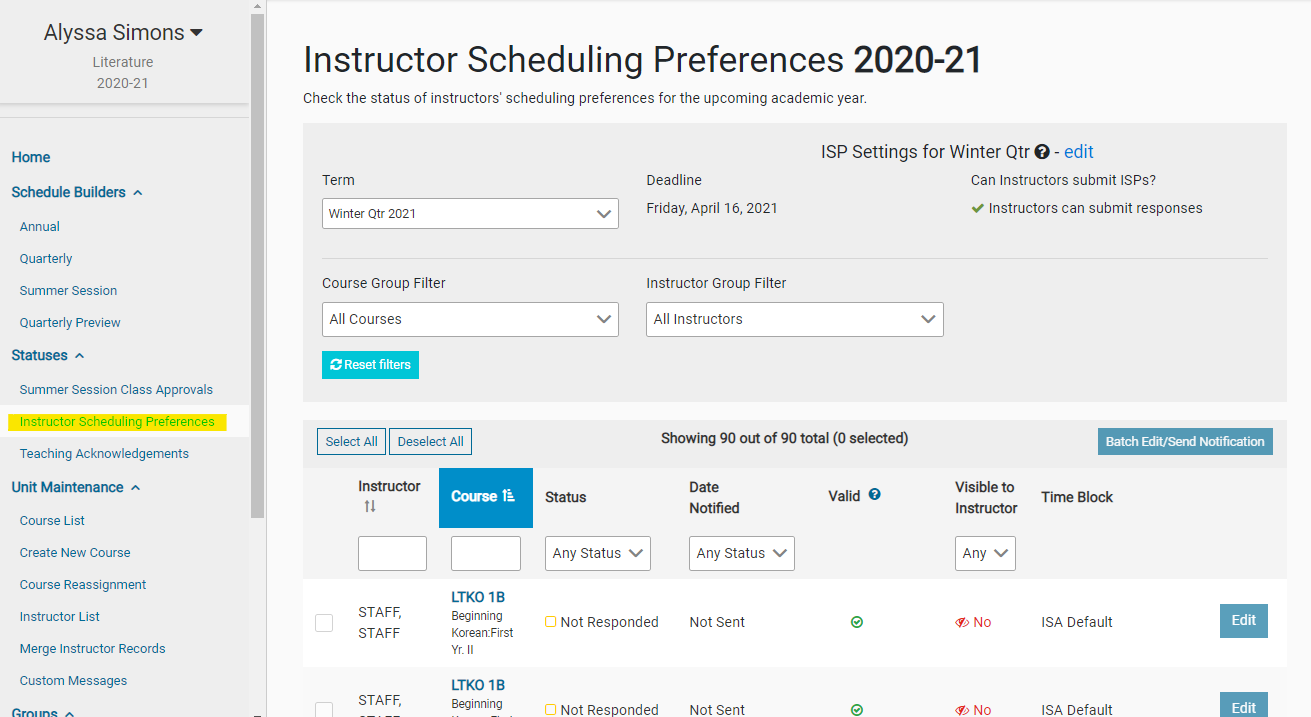
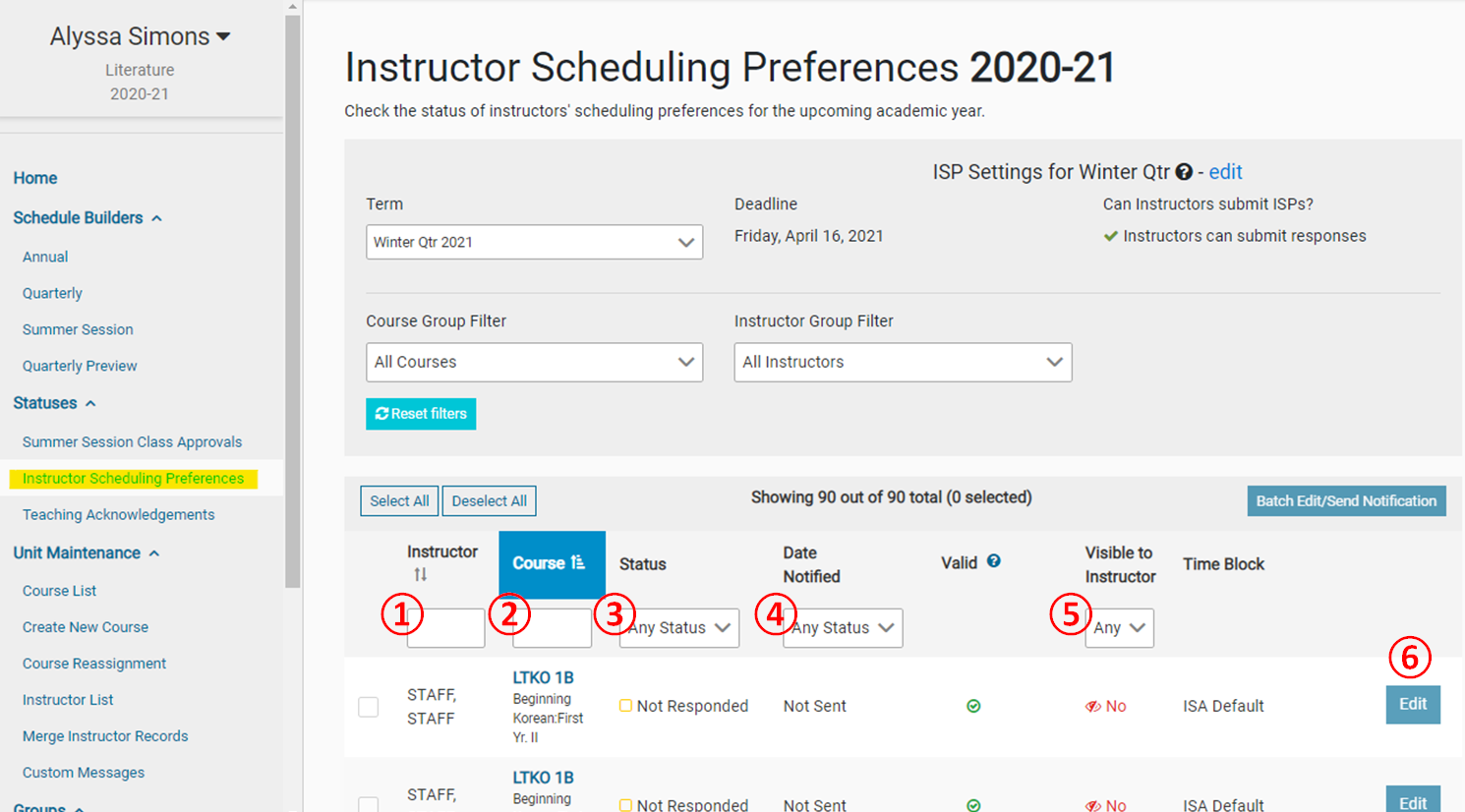
Filters on the ISP page
After the annual schedule has been entered into the ISA and instructors assigned to classes/sections, you can send instructors a message asking for their quarterly scheduling preferences.
If reviewing ISPs, you can:
- Sort or search instructors in the Instructor column (① below)>
- Sort and search by course under the “course column” (② below)
- Filter by Status (Finalized, In-progress, or Not responded) (③ below) or Date Notified (④ below)
- Filter by whether or not the ISP is visible to the instructor (⑤ below)
- To see the instructor's preferences for that specific course offering, select “Edit” (⑥ below)
Actions available on the ISP page
- To send instructors a notification that they need to enter their ISPs, click on the “Batch edit/Send a Notification” (① below)
- Check the status of the ISP (② below), options:
- Not responded
- In Progress
- Finalized
- Date the instructor was sent the ISP message request (③ below)
- Visible to instructor filter (see below for how to edit instructor visibility) (④ below)
- Schedulers can set requirements for ISPs that instructors must submit (⑤ below).
(for example: at 2 different day/time options, no more than 5 day/time options, specific time blocks allowed, etc.)- Schedulers can see the validity of submitted preferences, based on the settings of the particular time block assigned to that class
- See the time blocks the instructor has been assigned to choose from. (⑥ below)

Actions available on the ISP edit pop-up
If you select on the “Edit” option (⑦ above), the a page to allow edit preferences will pop up.

- “Edit preferences” allows schedulers to edit the instructor preferences on their behalf (① above)
- The toggle feature allows schedulers to turn off/on instructor’s ability to see their class assignment (② above)
- The “Allow Instructors to select from” feature allows schedulers to select a specific group of teaching times that instructors may choose from (③ above) (if custom Time Blocks have been created under “Groups” in the Menu on the left hand side of the tool).
- This area will show the instructor’s day/time preferences, any notes about out-of-class exams needed, and specific classroom details (i.e. podcasting ability needed, moveable seats required, etc.) (④ above)
For further assistance with ISP, contact the ISA team at isa-help@ucsd.edu.